Home
Every project, one tap away.
Favorite projects sit on top with their open task count. Chat, notes, meetings and the wiki are one row below, so a train ride is enough to catch up.
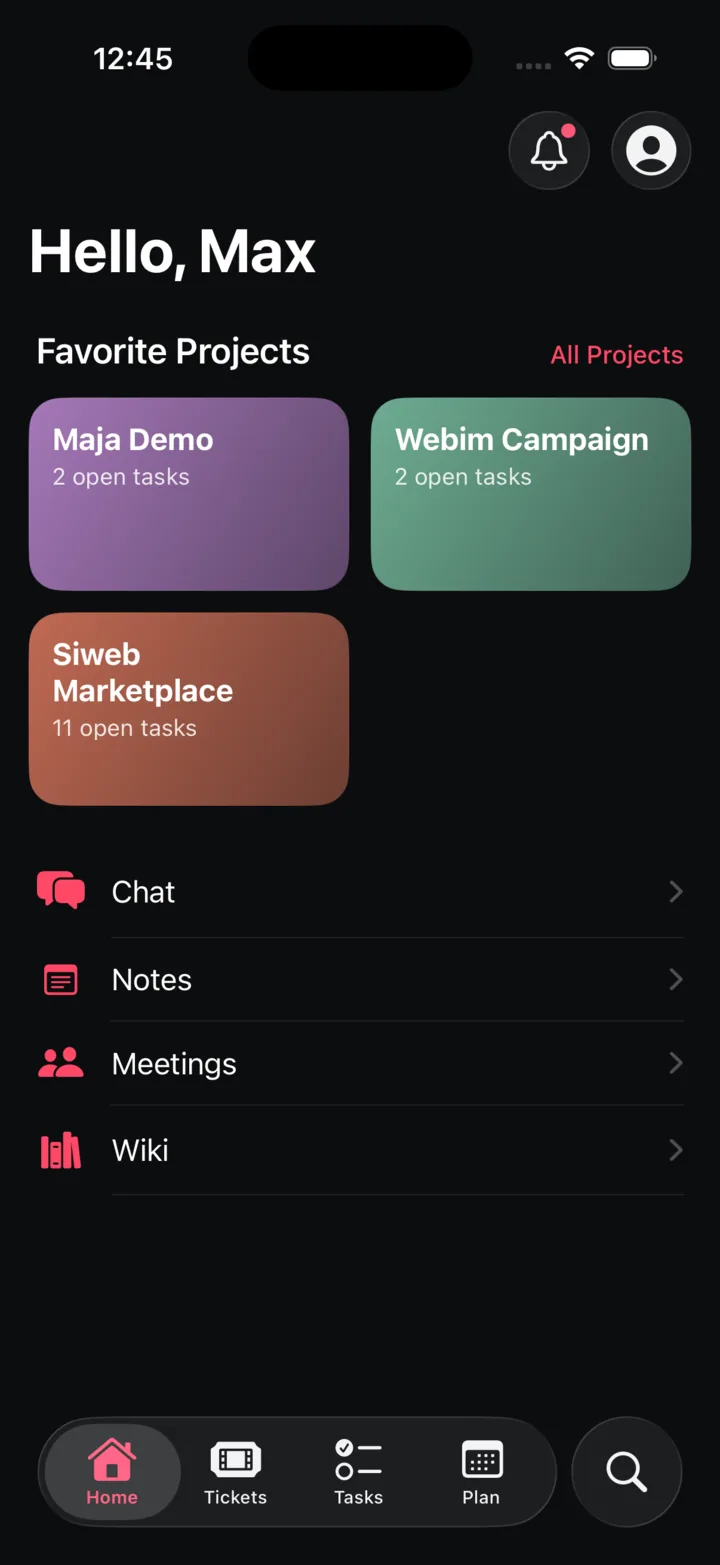
The iOS app carries the reactive half of Trackr: check the week, tick off a task, answer a customer, log the hour. Structure stays on the desktop, where it belongs.
Favorite projects sit on top with their open task count. Chat, notes, meetings and the wiki are one row below, so a train ride is enough to catch up.
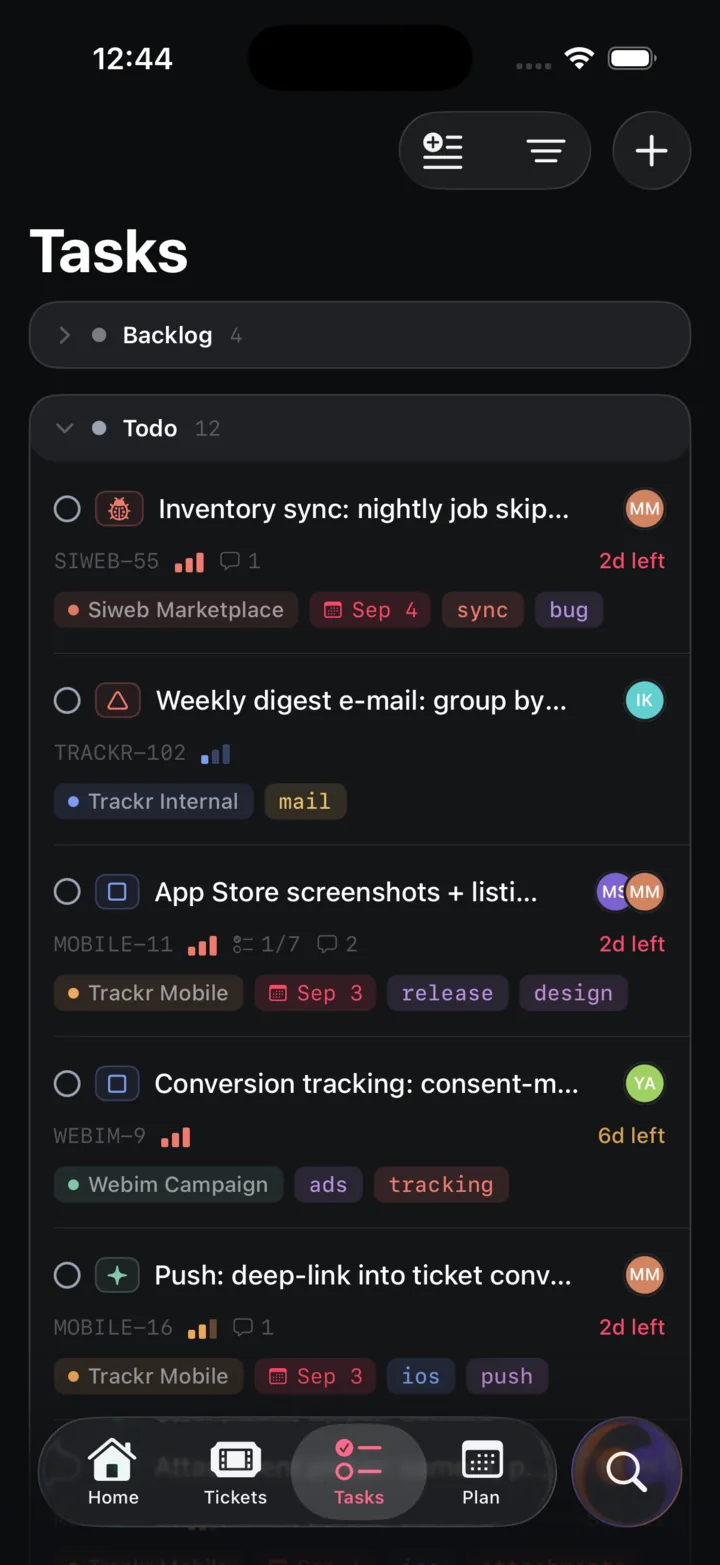
Tasks grouped by status, with priority, due date, checklist progress and comments on every row. Filter or save a view and it syncs with the web app.
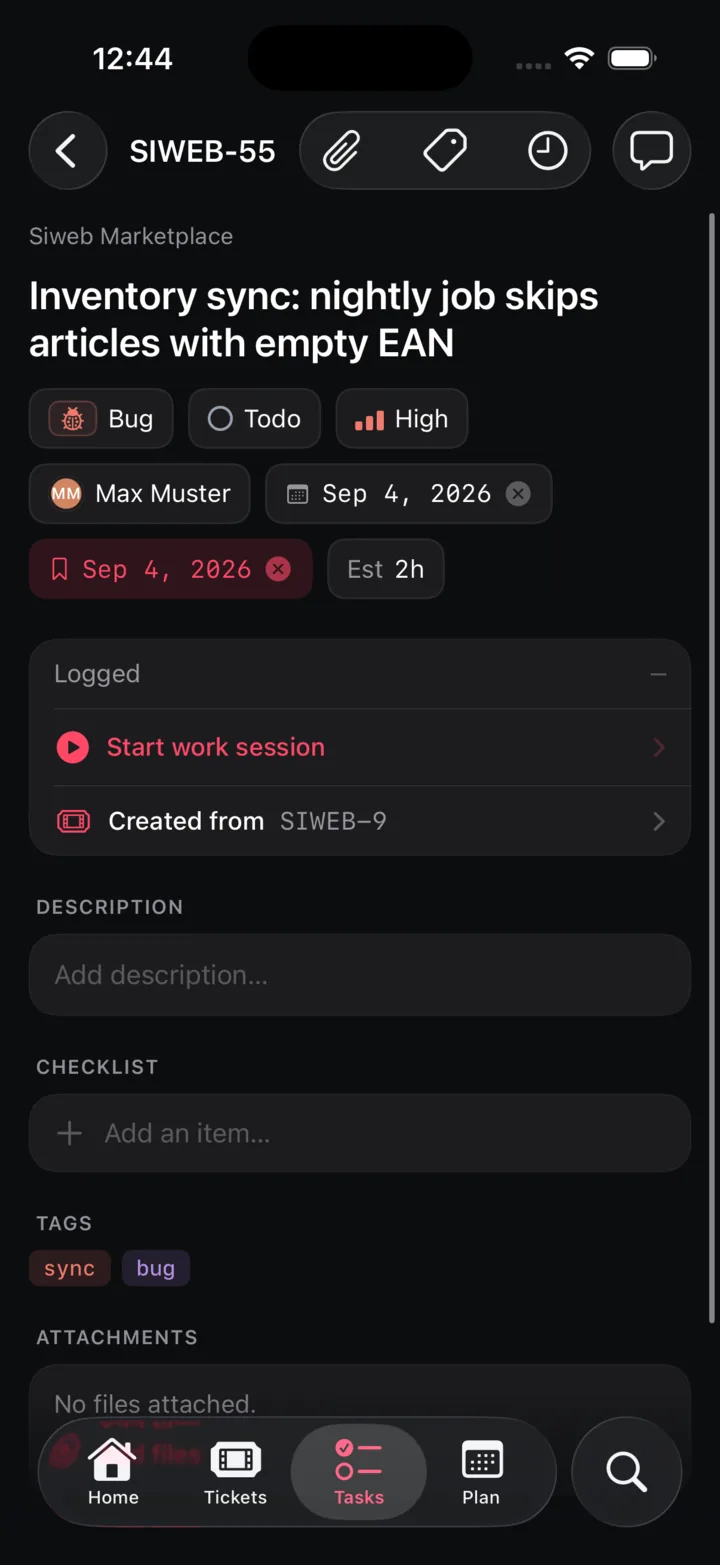
Type, status, priority, assignee, due date and estimate on one screen. Start a work session and it appears as a Live Activity on the lock screen and in the Dynamic Island.
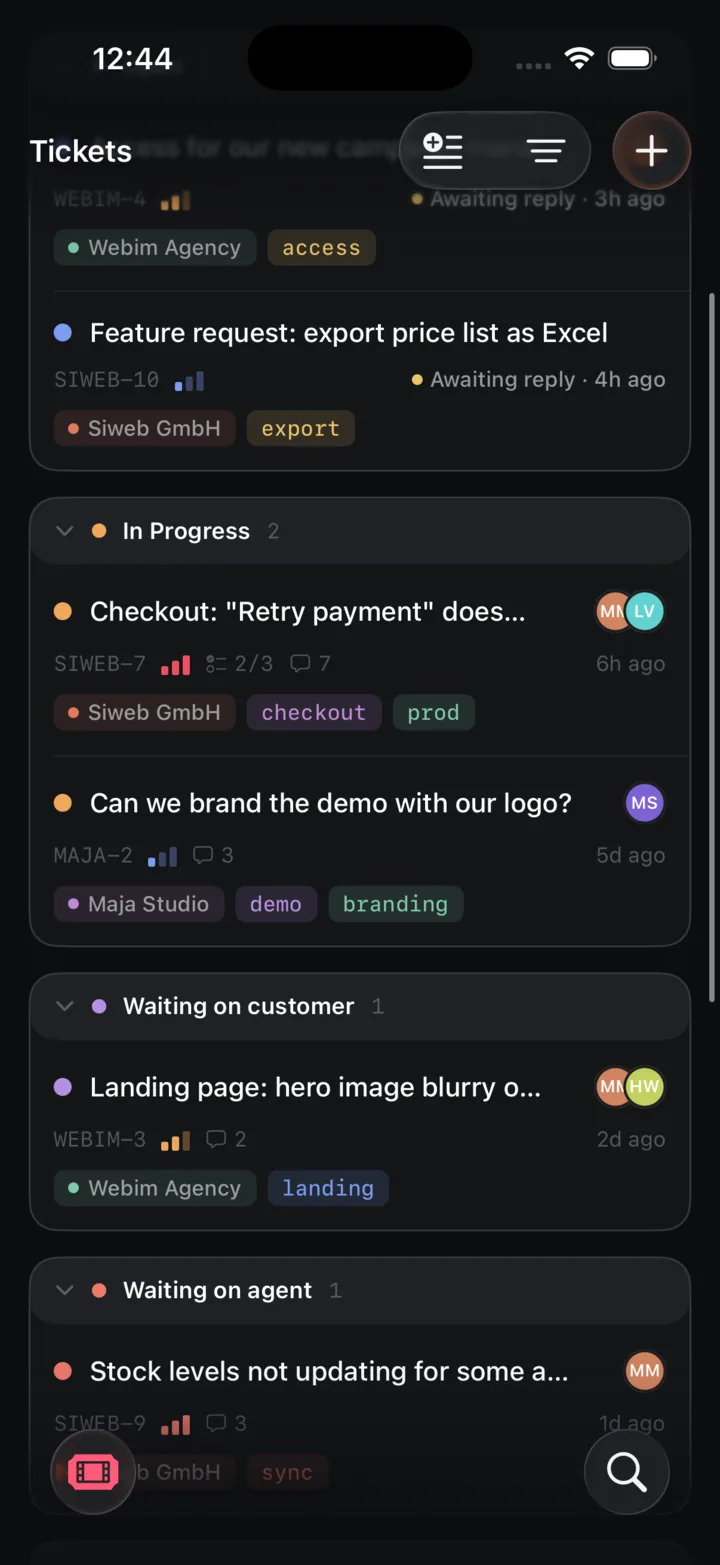
Tickets are grouped by who owes the next move: awaiting reply, in progress, waiting on the customer, waiting on you. Each one carries the customer's organization and tags.
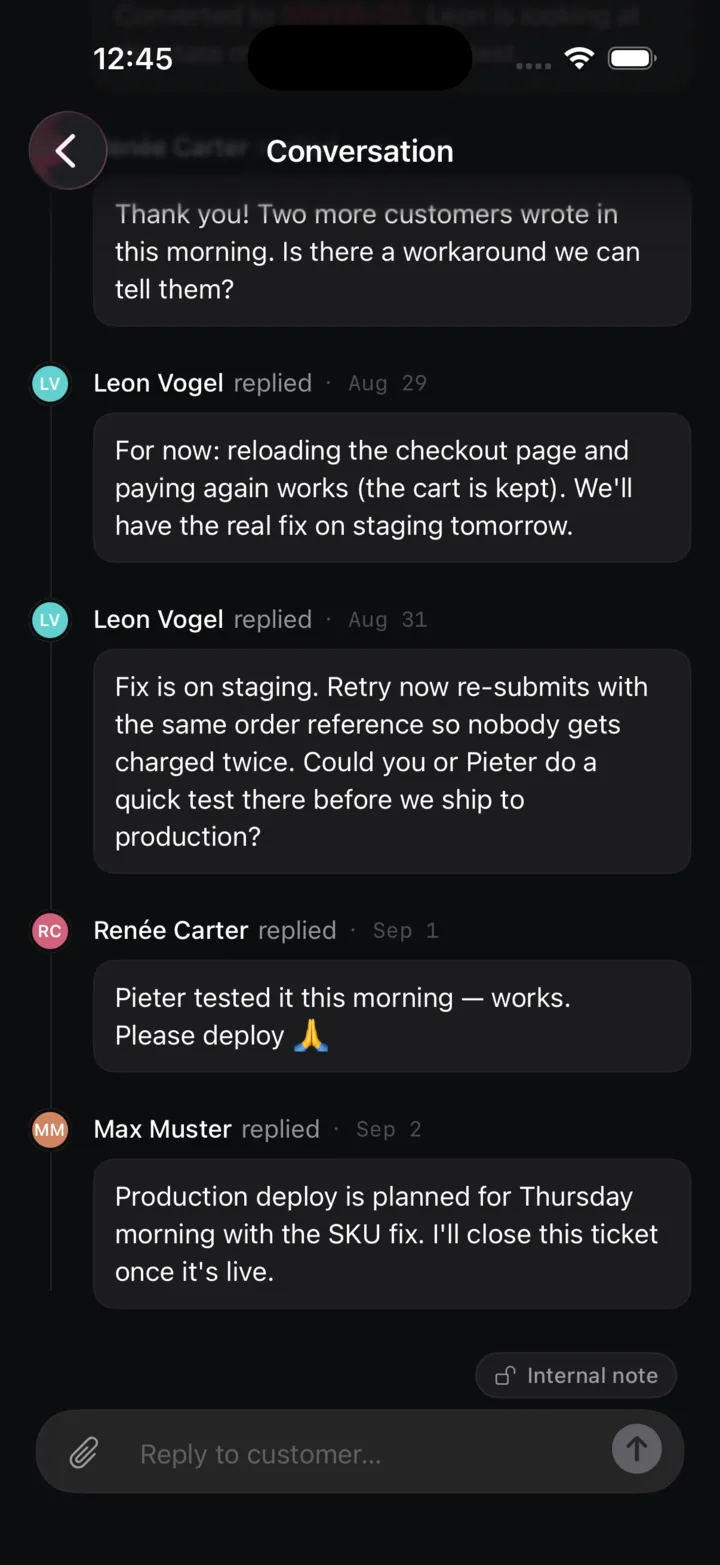
The whole thread in one place, including the internal notes the customer never sees. Replies reach their inbox by email; your team sees them in the ticket.
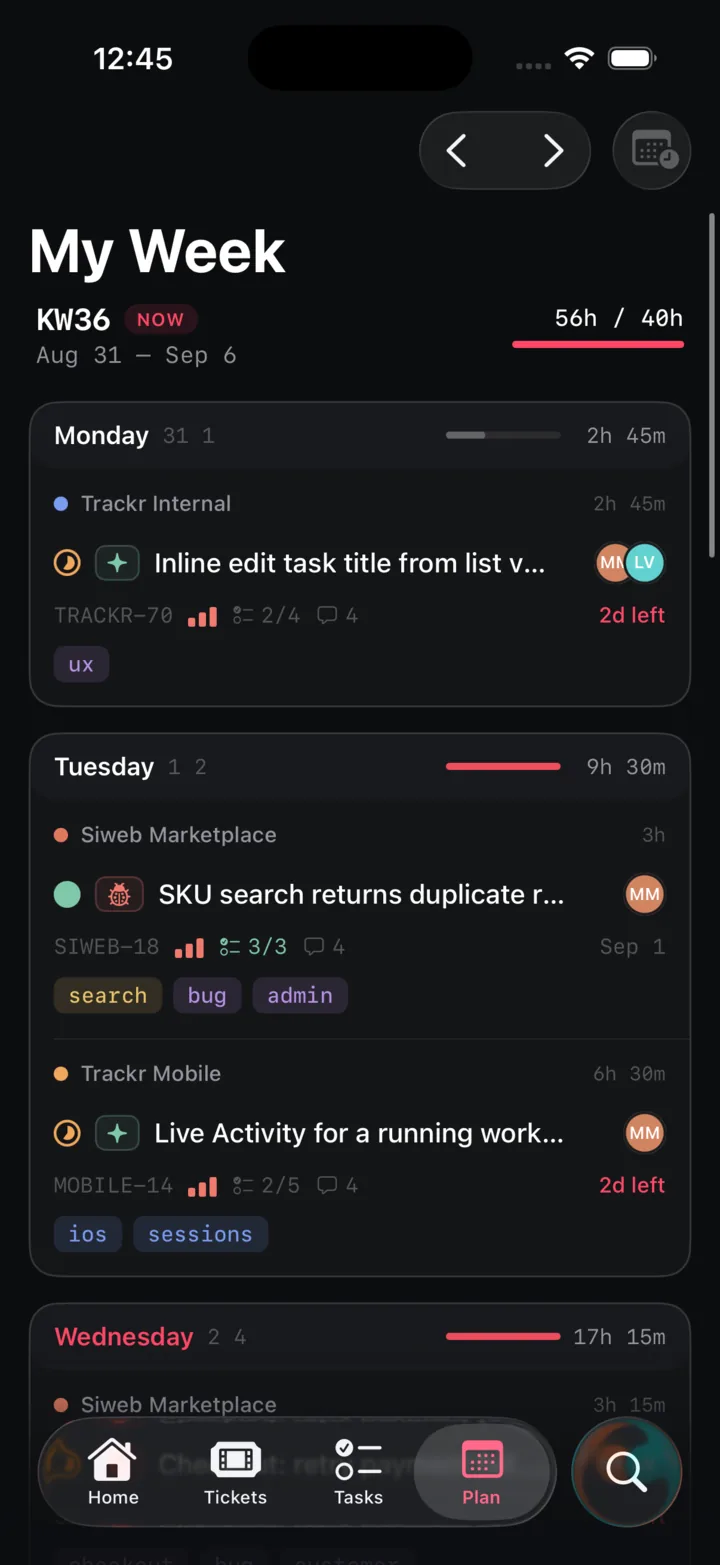
Calendar week, planned hours against your capacity, and every day's load as a bar. When Wednesday turns red, you know before the week does.
Boards, bulk edits, project setup and collaborative wiki editing live in the web app. The phone reads wiki pages and shows chat threads, then hands you back to a keyboard for the rest. That is a decision, not a gap.
The app is distributed to the team through TestFlight for now. Public availability will be announced in the changelog.